
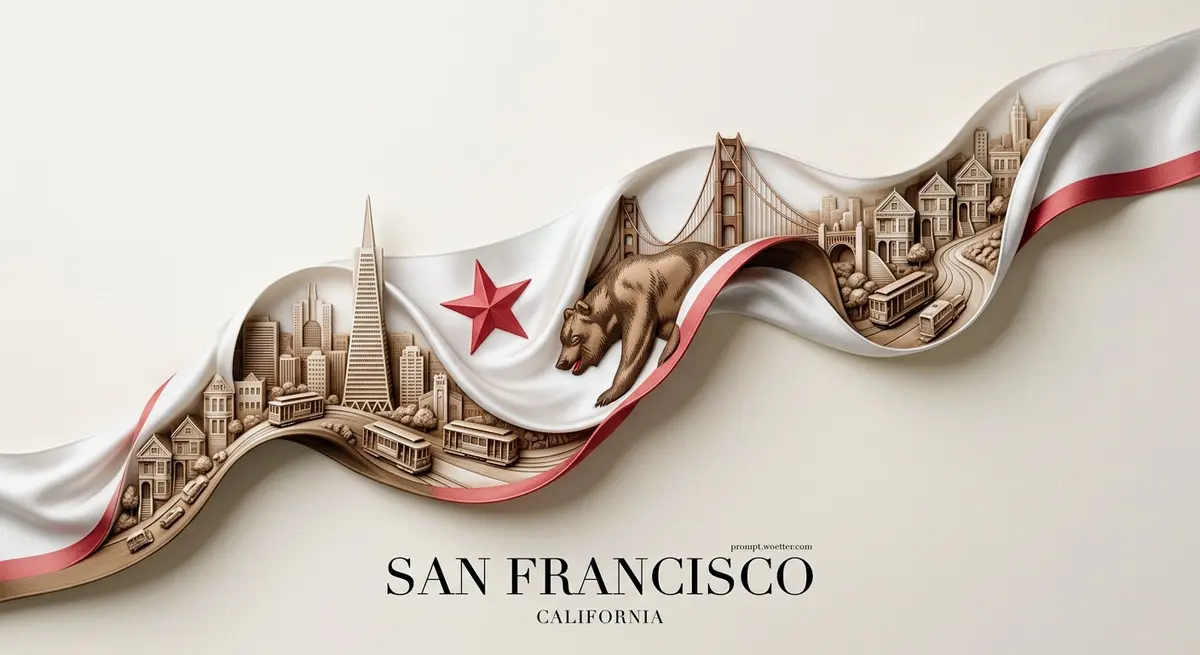

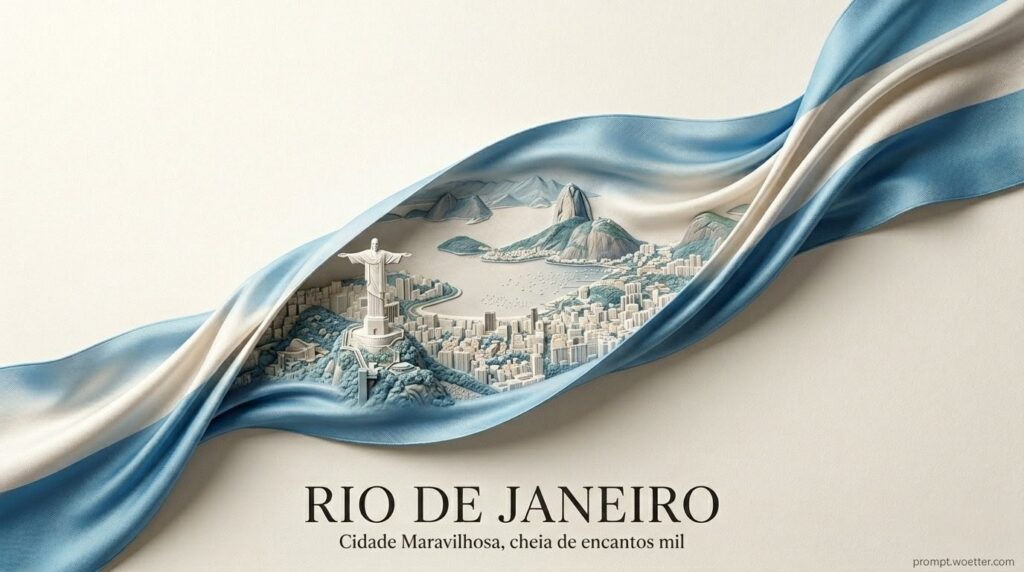
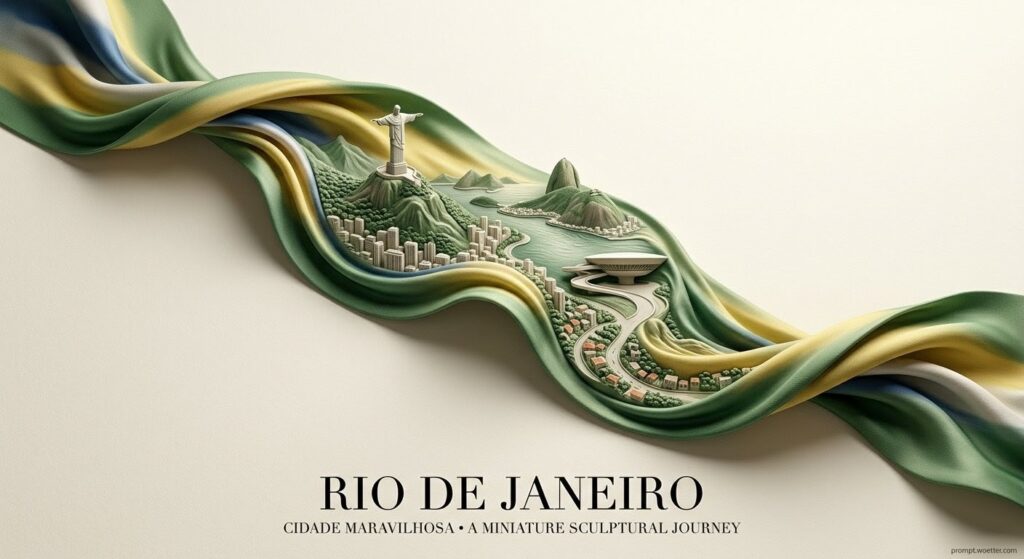
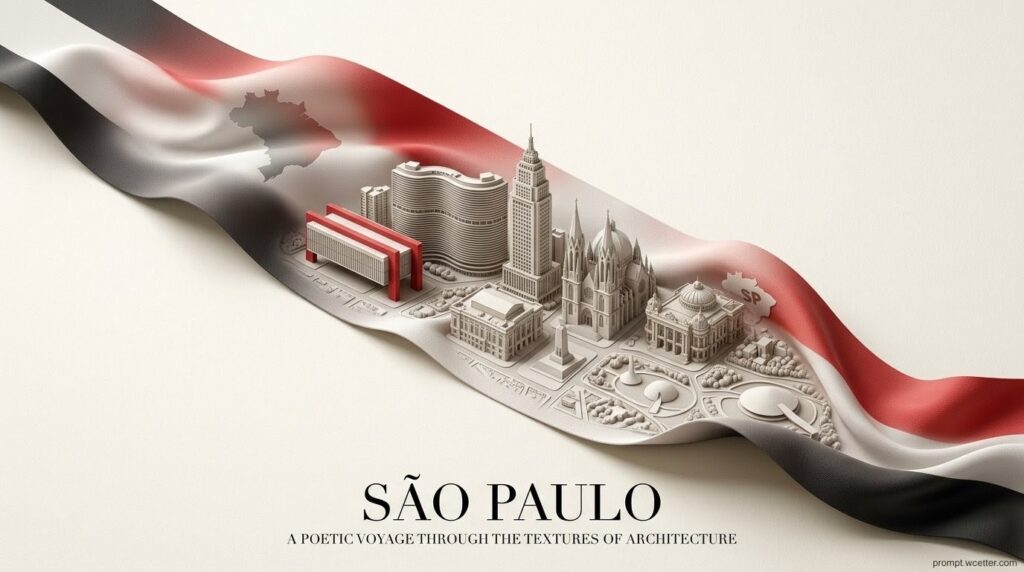


Discover the secret to generating hyper-realistic, luxury poster-style artwork using AI. Learn how to flawlessly combine tactile silk fabric simulation with architectural 3D bas-relief sculpting to create breathtaking, location-specific ribbon designs featuring seamless typography and elegant negative space.
The 10-Part Orchestration Framework Image Promp
Use the prompt generator at the end of this article to get your city ribbon prompt.
Subject:
A silk ribbon, containing a miniature carved city sculpted as a highly detailed 3D bas-relief directly from the woven fabric texture, featuring the iconic landmarks, skyline silhouette, streets, and architectural identity of Rio de Janeiro.
Composition:
Minimalist top-to-bottom vertical flow, acting as the sole visual container. All architectural and visual elements must remain strictly INSIDE the ribbon shape.
Action:
Unfolding diagonally across the canvas, gently twisting in the air with soft natural twists and tactile textile folds.
Location:
Floating elegantly over a museum-grade textured paper background in off-white, warm ivory, or dirty white.
Style:
Hyper-realistic fabric simulation fused with sculptural bas-relief engraving, presenting an elegant gallery-grade poster design.
Editing Instructions:
No elements breaking the ribbon boundary. Avoid low detail, blurry, noisy, or distorted fabric. Do not use flat lighting, harsh contrast, generic illustrations, cartoons, or anime styles.
Refining Details:
Ultra-fine textile detail, tactile folds, embossed surfaces, and seamless integration into the ribbon's curvature with layered depth, perspective compression, and subtle relief shadows.
Camera, Lighting and Format:
8K ultra-detailed resolution, HDR, sharp focus, cinematic depth, premium poster aspect ratio (e.g., --ar 4:5 or 2:3).
Composition and Aspect Ratio:
Strong negative space around the ribbon for a premium, high-fashion aesthetic.
Camera and Lighting Details:
Soft studio lighting, gentle shadows, ambient occlusion inside folds, emphasizing depth, material realism, and soft directional highlights.
Specific Text Integration:
"RIO DE JANEIRO" in refined high-fashion serif typography (Didot or Playfair Display style), centered at the bottom. A subtle subtitle reading "Brasil". Include the watermark "prompt.woetter.com".
Factual Constraints:
The color palette must be inspired by the national flag of Brasil, harmoniously woven into the ribbon fabric tones with soft premium blending and no harsh contrast.
Reference Entries:
Bas-relief sculpture, haute couture fashion photography, editorial luxury poster, fine art print.


Dissecting the Prompt: Crafting the Perfect Ribbon Cityscape
Creating a prompt that blends soft textures (silk) with hard architectural concepts (buildings) requires a delicate balance of keywords. Let’s break down why this prompt works so well.
1. The “Bas-Relief” Secret
By instructing the AI to use “3D bas-relief directly from the woven fabric texture,” we prevent it from simply pasting a photo of a city onto a ribbon. Instead, the AI understands it needs to emboss the architecture into the material itself, maintaining the textile’s integrity.
2. Strict Boundary Control
The command “All architectural and visual elements must remain strictly INSIDE the ribbon shape” is crucial. Without this, the AI might let skyscrapers bleed into the background. Combined with “strong negative space,” it guarantees that clean, editorial luxury poster look.
3. Lighting and Texture Integration
Using terms like “Ambient occlusion inside folds” and “tactile textile folds” forces the rendering engine to calculate how light bounces inside the twists of the ribbon, highlighting the depth of the 3D cityscape without washing out the colors of the Brazilian flag.
4. High-Fashion Typography
Specifying font families like “Didot or Playfair Display” ensures the AI generates clean, elegant text instead of messy, unreadable glyphs, solidifying the “gallery-grade” aesthetic.
Generate Your Own City Ribbon!
Don’t want to mess with the prompt structure? I’ve built a custom tool just for you. You can easily generate your own city, state, or country using this exact framework without writing a single line of code!
👉 Click Here to Generate Your Custom City Ribbon Now!Love this prompt? Share the magic!
If you found this AI technique helpful, please share this post with your friends and fellow creators using the social links below. Let’s spread the knowledge!
I can’t wait to see what cities you create. Tag me on your social media posts using #promptwoetter so I can check out and share your amazing versions!