
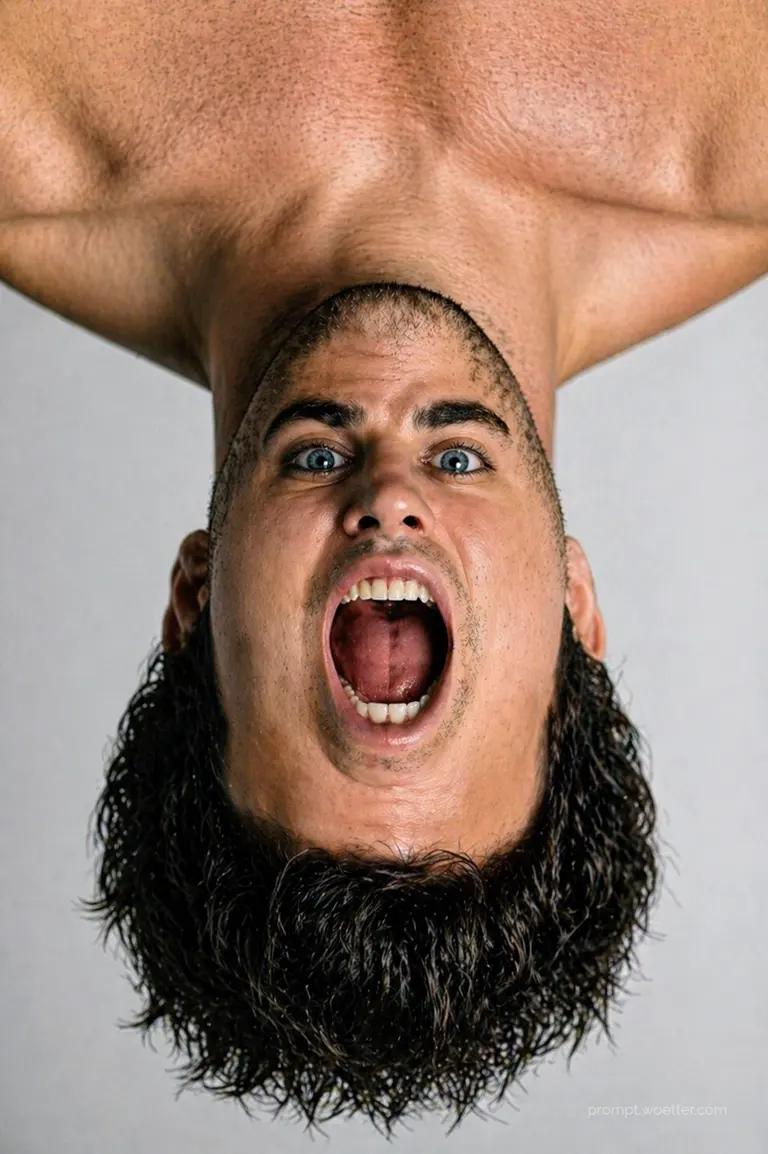

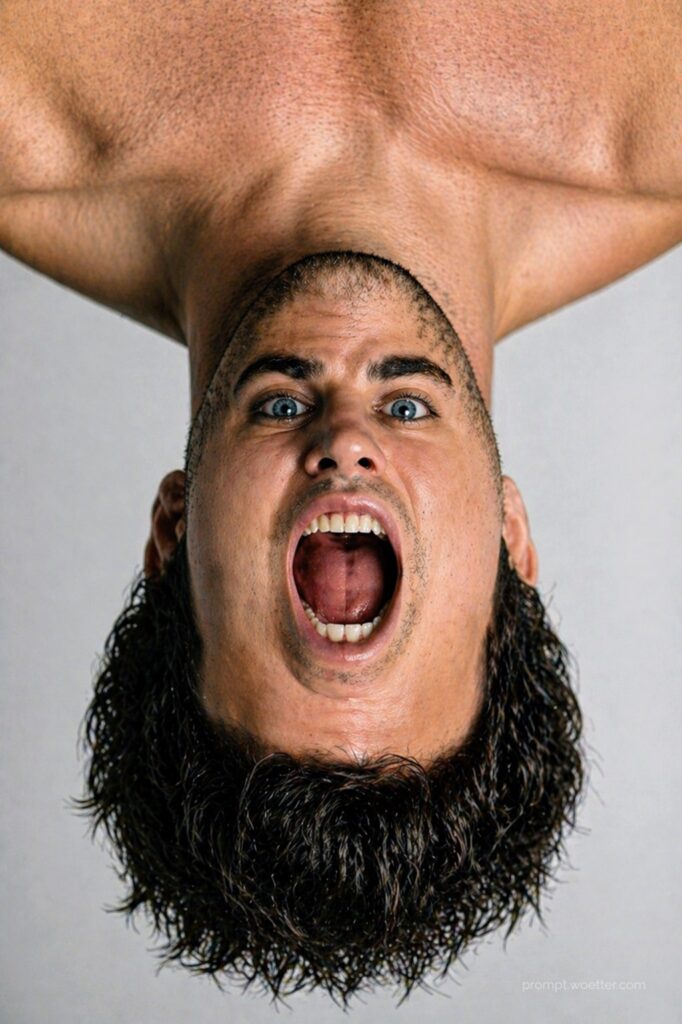
Learn how to generate a hyper-realistic, mind-bending surreal portrait where your internal facial features are rotated 180 degrees. This step-by-step AI image generation guide explains the 10-Part Orchestration Framework to achieve seamless skin blending, perfect lighting, and gravity-defying hair physics using your own photo. Discover the precise prompt engineering required to create an anatomically jarring yet technically flawless masterpiece.
The 10-Part Orchestration Framework Image Prompt
Important: For this prompts to work perfectly, you must attach a reference picture of yourself with the AI prompt.
Step 1
Subject:
The person from the attached picture.
Composition:
A surreal effect portrait. The internal facial features—specifically the eyes, eyebrows, nose, and the wide-open screaming mouth—are rotated 180 degrees to appear upside down relative to the viewer.
Action:
The person is captured in a mid-scream expression with the mouth wide open, showing realistic teeth and tongue detail.
Location:
A clean, neutral, light-grey studio background with soft shadowing.
Style:
Hyper-realistic, high-contrast photography with a focus on unsettling surrealism.
Editing Instructions:
Apply a 180-degree rotation to the central face area (from eyebrows to jawline) while keeping the skull and hair locked in position. The skin must be blended seamlessly at the transition points.
Refining Details:
Visible skin pores, fine mustache hairs, and individual wet-look hair strands. The glasses (if any) must be oriented upright, matching the eyes, with realistic lens reflections.
Camera, Lighting and Format:
Shot on an 85mm prime lens, f/1.8 aperture for a shallow depth of field, sharp focus on the eyes. Professional studio softbox lighting.
Composition and Aspect Ratio:
Vertical portrait orientation, 2:3 aspect ratio.
Camera and Lighting Details:
High-resolution digital sensor output, moody yet clear lighting that emphasizes the face.
Factual Constraints:
The effect must be anatomically jarring but technically seamless; the glasses (if any) must sit correctly on the "upside down" nose bridge despite the head.
Reference Inputs:
Use the attached image as the primary reference for the person's likeness, the specific pattern of the shirt, and the hair texture.
Step 2
Flip the image vertically.
Step 3
Action:
Gravity must affect the physics of the scene: the wet-textured hair must drape downward toward the bottom of the frame (away from the scalp). If, AND ONLY IF, earrings are present, they must hang downward toward the bottom of the frame, defying the inverted position of the ears.
Add volume to the wet hair.

Specific text integration: Render the string 'prompt.woetter.com' in the bottom-right quadrant. Styling parameters: minimalist small white font, 20% opacity blend. Positioning: absolute padding of 130px from the right and bottom bounding box edges.
Dissecting the Surreal Masterpiece: How the Prompt Works
If you’ve ever wanted to turn a standard selfie into a piece of jarring, high-end digital art, this prompt is your holy grail. Using the 10-Part Orchestration Framework, we can tell the AI exactly how to bend reality without breaking the photorealism. Let’s break down the core commands:
1. The Core Illusion: Subject, Composition & Action
The magic starts by locking in the Subject (“the person from the attached picture”). By specifying the Composition and Editing Instructions, we are forcing the AI to separate the “mask” of the face (eyes, nose, mouth) from the skull structure and rotate it 180 degrees. The Action (mid-scream) amplifies the unsettling vibe, ensuring teeth and tongue details remain incredibly lifelike.
2. Grounding the Surreal in Reality: Location & Style
To make a surreal image truly shocking, it needs to look like a real photograph. We use a “clean, neutral, light-grey studio background” and ask for “Hyper-realistic, high-contrast photography.” This juxtaposition between a normal studio setup and an impossible face is what makes the final image go viral.
3. The Technical Polish: Camera, Lighting & Constraints
By specifying an “85mm prime lens” and “f/1.8 aperture,” we dictate a professional depth of field—blurring the background while keeping the eyes tack-sharp. The Factual Constraints are crucial here: we explicitly tell the AI that if you wear glasses, they must follow the orientation of the inverted eyes, acting as an anchor for the visual trick.
4. Defying Physics: Steps 2 & 3
Step 2 and 3 introduce a brilliant twist. After building the upside-down face, we flip the entire canvas vertically and apply gravity logic. We instruct the AI that hair and earrings must fall toward the bottom of the frame, totally contradicting the physical orientation of the head. It’s a prompt engineering masterclass in spatial awareness!
Love this prompt? Don’t keep it a secret! Use the social links below to share this mind-bending tutorial with your friends and fellow AI artists.
Thank you for visiting! I’d love to see the surreal masterpieces you create with this framework. Please tag me on social media using #promptwoetter so I can check out your unique versions!